Your resort.
One living map.
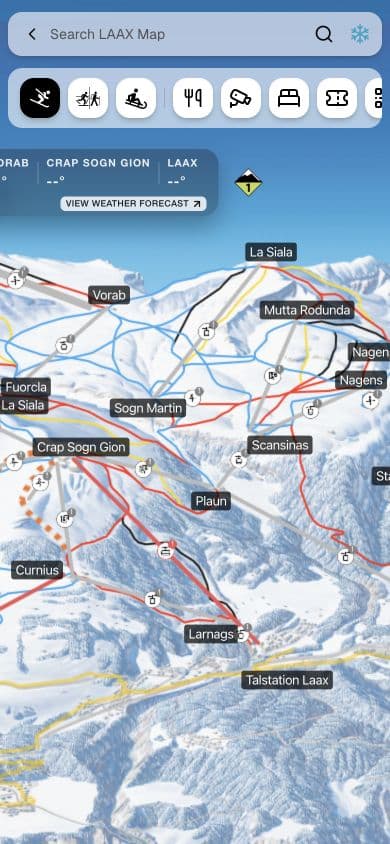
Your own illustrated map, made interactive. Guests explore, see what’s open and book. Your team keeps it current in Studio or from your systems.
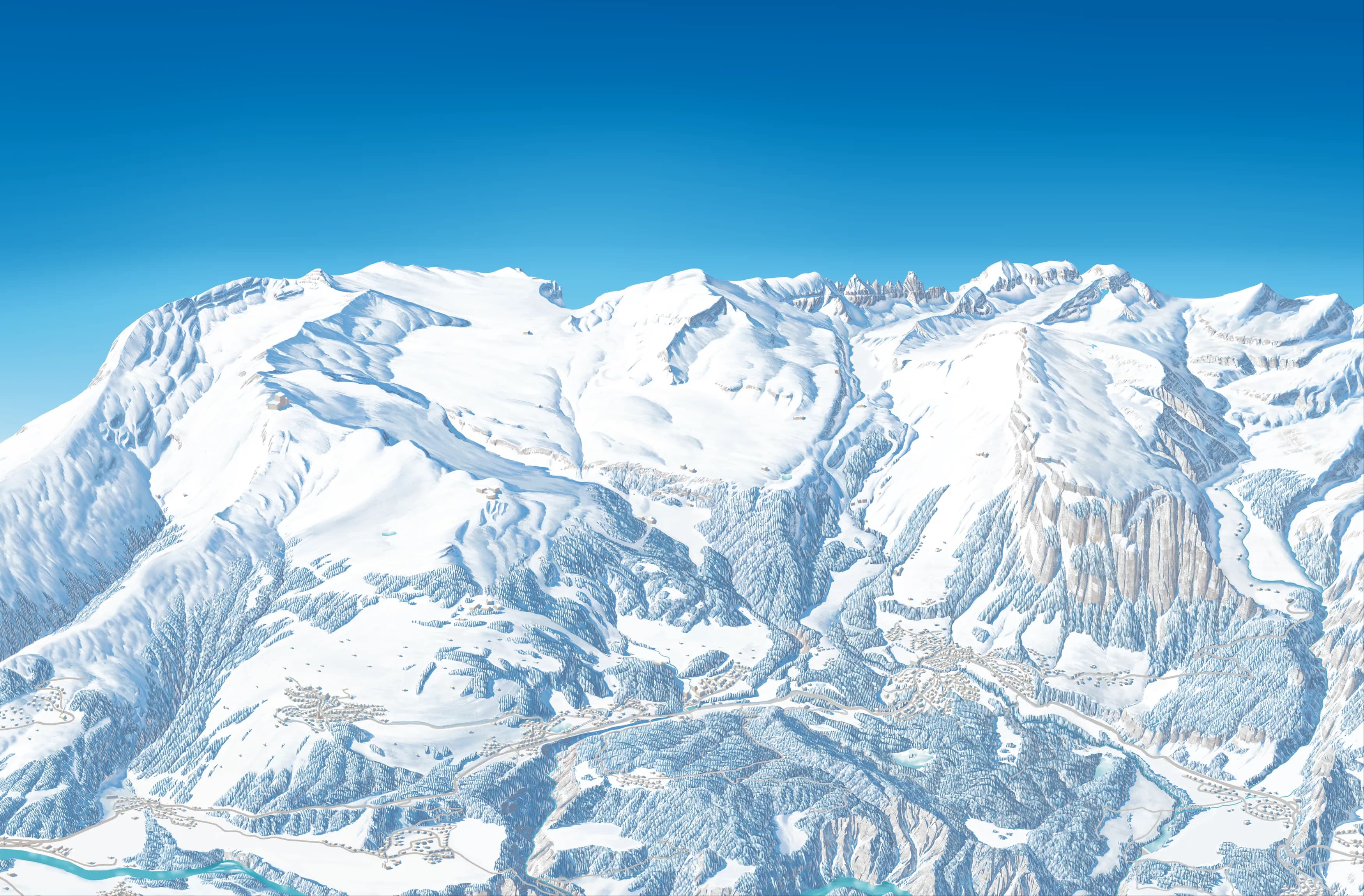
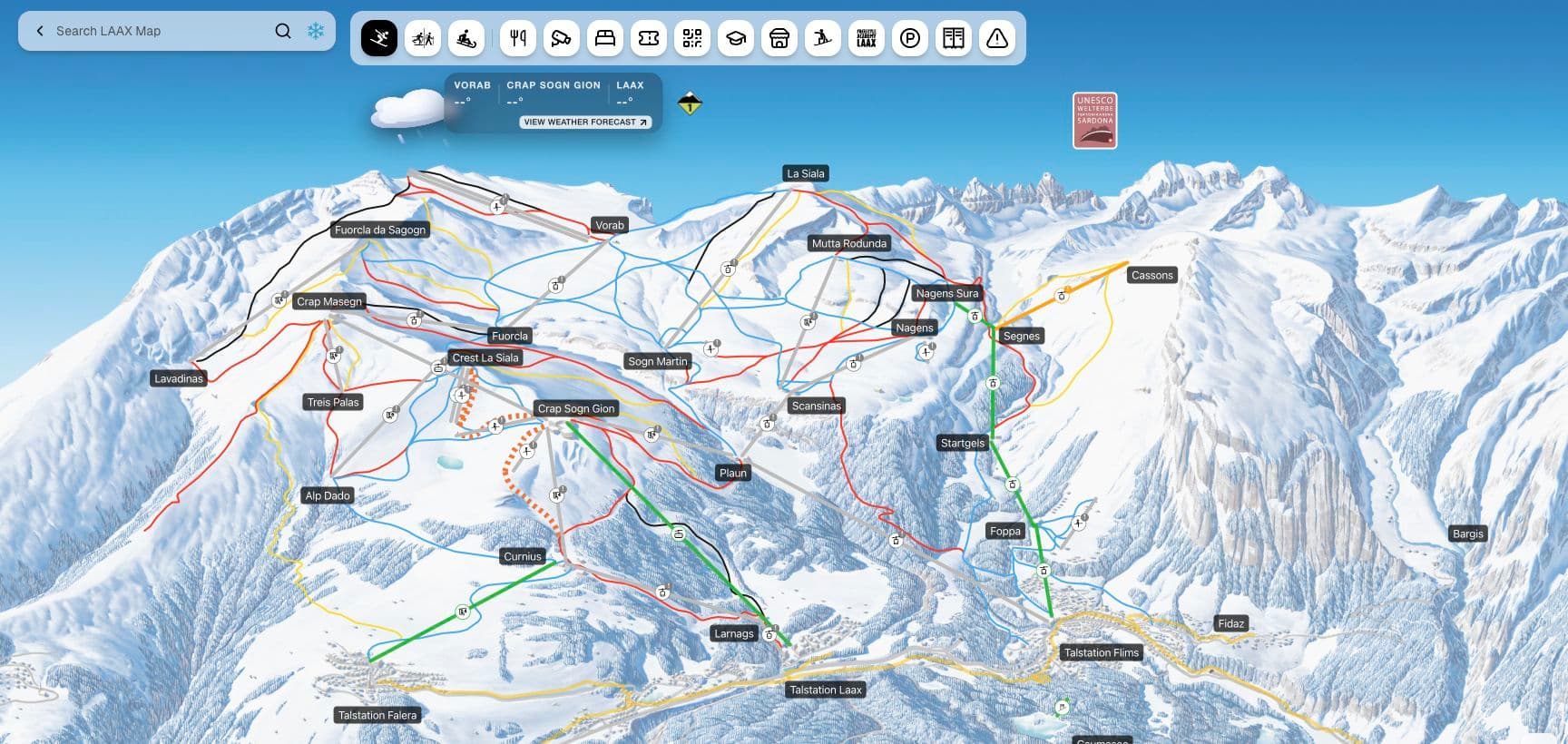
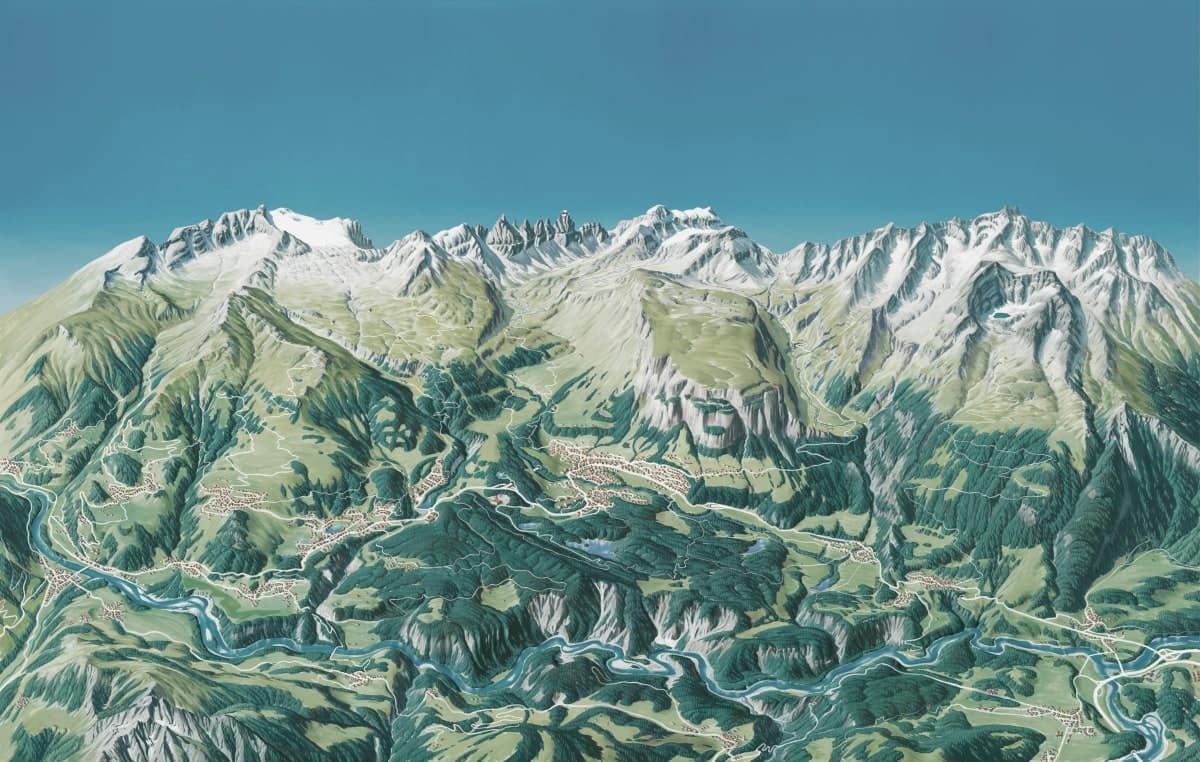
Winter & summer maps Website, app, resort TVs & QR links
For guests. For your resort.
Less searching.
More possibilities.
Guests get the map they already know, with live details in place. Your team gets one place for offers, operations and updates.
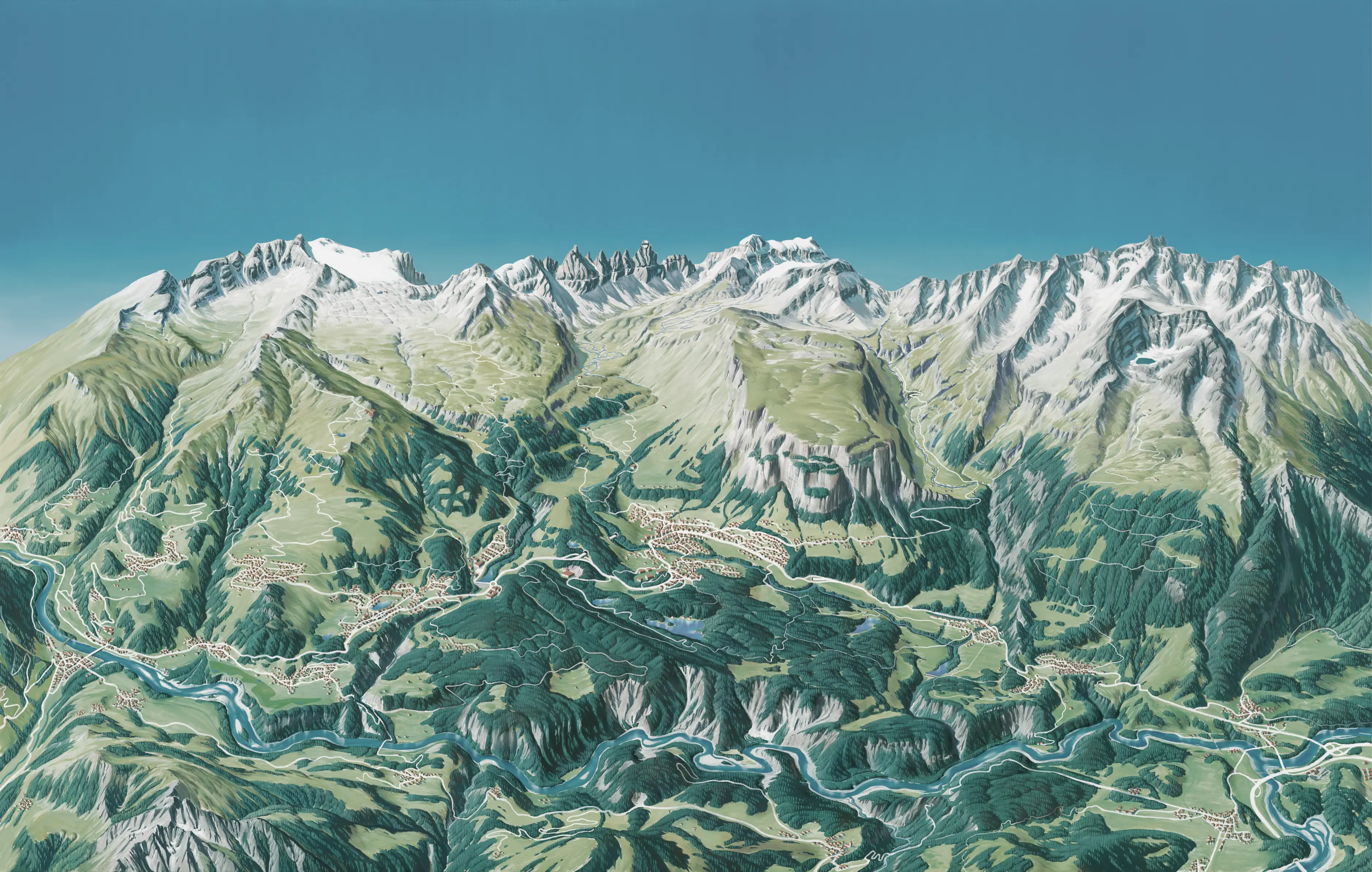
For guests
The useful details, right where guests need them.
Find the right place fast
Search lifts, runs, restaurants and activities, then filter the map to just what matters.
See what’s open right now
Lift and slope status, opening hours, weather, snow and the avalanche danger level. Status updates appear without republishing the map.
Get around the resort
Find bus stops and their timetables, and check the webcams before heading up.
See where you are
Guests can see their own position on your illustration once your team has calibrated the map in Studio.
For your resort
Inform guests, link offers to bookings and reach every screen.
Keep guests informed
Add a message to any lift or run, publish a resort-wide alert, and highlight events as they go live.
Turn interest into bookings
Link each restaurant, lesson or activity to your own booking page, right where guests decide.
Make every run part of the story
With compatible lift-gate data, guests can see their rides and vertical metres, revisit their season and join the leaderboard.
One map. Across your resort.
Publish one map to your website, app and resort TVs, and link to it from QR codes on signs and print.
For your team
The map is yours
to run.
Edit places, routes and guest information on the map itself. Review changes before you publish, and update daily opening status even without an operations system.
Try it here
- Filter the map
- Add a restaurant
- Draw a slope
- Trace your own image
Your edits are saved only in this browser. Nothing is sent or published.
- 01
Create your map
Start with your illustration. Add places, routes, and layers. Reuse resort information across winter and summer maps.
- 02
Keep it current
Publish map changes after review. Update daily status at any time, from connected sources or by hand.
- 03
Share it everywhere
Embed the published map on your website, open it in your app and show it on resort TVs.
In their words
Why the map matters.
“Innovation matters when it makes the guest experience better. An illustrated map can become something people use throughout their day on the mountain.”

Commerce & operations
“The map brings our offers closer to guests and gives our teams one place to keep the information current. That connection is what makes it useful.”
Guest experience
“Guests should be enjoying the mountain, not searching for information. Having routes, conditions, restaurants, and transport together makes the day easier.”
From exploring to booking
“Guests come to the map to decide what to do next. It is a natural place to connect that interest with a lesson, a ticket, or a reservation.”
Daily operations
“We want the same clear information on the website, in the app, and on the resort’s TVs. Managing one map makes that much simpler for the team.”
From our
engineering team
“The map gets more than five million views in winter. It is a major part of our digital guest experience, so keeping it useful and reliable matters.”
Your resort, connected
Your tools.
Your team.
One map.
Connect the systems you already use, add information in Xplores Studio, or combine both. Your map works with the setup you have today.
Example resort setup
- Lifts & slopesYour lift system
- Places & restaurantsXplores Studio
- EventsXplores Studio

Ready for your guests
- Website
- App
- Resort TVs
- QR links
Connect what you have. Add the rest.
Let your operations system update the lifts while your team adds places, events and guest information in Studio.
- Mountain operations
- Connect InfoSnow or a compatible feed. We’ll plan Lumiplan and other operations integrations with you.
- Places & events
- Connect Guidle or a compatible feed. We’ll review Apidae, your tourism database or your CMS with you.
- Lift access & keycards
- Axess connections support live mode and keycards. We’ll review SKIDATA and other gate systems with your team.
- Weather & transport
- MeteoNews, Open Transport Data and compatible weather and transport feeds.
We’ll confirm what can connect today and plan any additional integration with your team.
Another provider in mind? Tell us about your setup.
A few practical questions.
Something else on your mind? Ask us directly.
Can we use our existing illustrated map?
Yes. Your own illustrated background is the starting point. We’ll review the artwork with you and help plan the places, routes, and layers that turn it into an interactive map.
Can guests see where they are on an illustrated map?
Yes. In Studio, your team matches landmarks on the illustration with their GPS positions and tests the result before turning on GPS for guests. The map only asks for a location after a guest taps the location button.
Can we use Xplores without external data providers?
Yes. Your team can create places and events, add guest information, and manage lift and slope updates directly in Xplores Studio. Connect compatible systems when they are useful, and keep managing the rest yourself. You can start without an external data provider.
Can we connect Lumiplan, Apidae or SKIDATA?
Tell us what your resort uses. Xplores already has connections for InfoSnow, Guidle, MeteoNews, Open Transport Data and Axess, plus compatible content and operational feeds. We’ll review Lumiplan, Apidae, SKIDATA or other systems with you and your provider to confirm data access and scope the integration. Live mode and keycard features depend on the lift data and services available at your resort.
Does it work with our website, app, and resort TVs?
Yes. Each published map can be embedded on your website, opened in your app, or displayed on a resort TV. You can also use its public link in your own QR codes, so guests reach the same map from signs and printed material.
Can we connect our analytics and guest messaging?
Website embeds can pass map selections to your site, so your team can connect them to its analytics. App, CRM, and messaging workflows are scoped with you and your platform partner around the systems you already use.
How do we get started?
Send us your resort name, your current map, and what you’d like to improve. We’ll discuss your needs, review any systems you want to connect, and agree the next steps together. Your resort workspace is prepared with the Xplores team.
Let’s put your
resort on the map.
Tell us about your mountain, your current map, and what you’d like to do next. We’ll explore what Xplores could look like for your resort.
A conversation about your resort. No account needed.